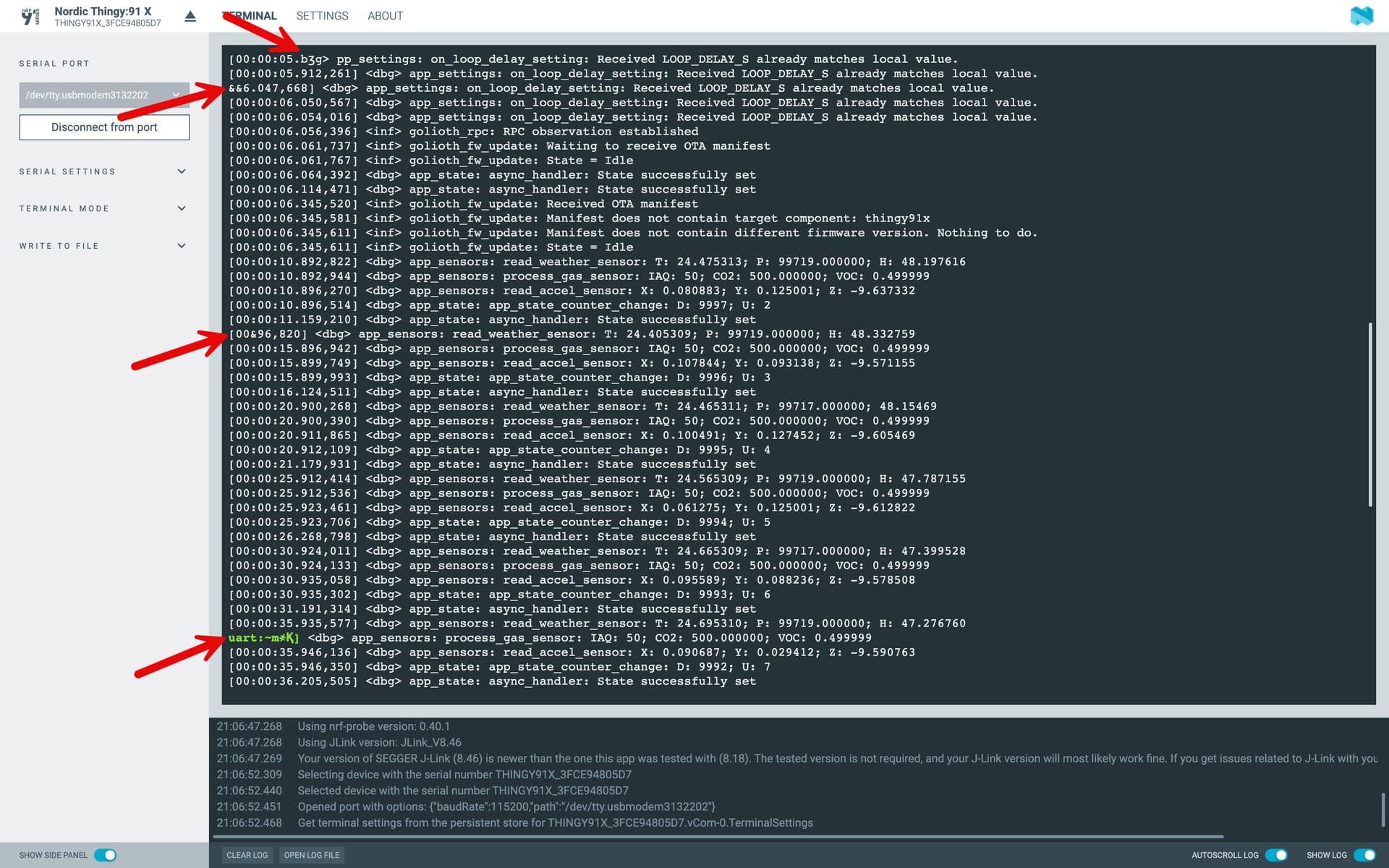
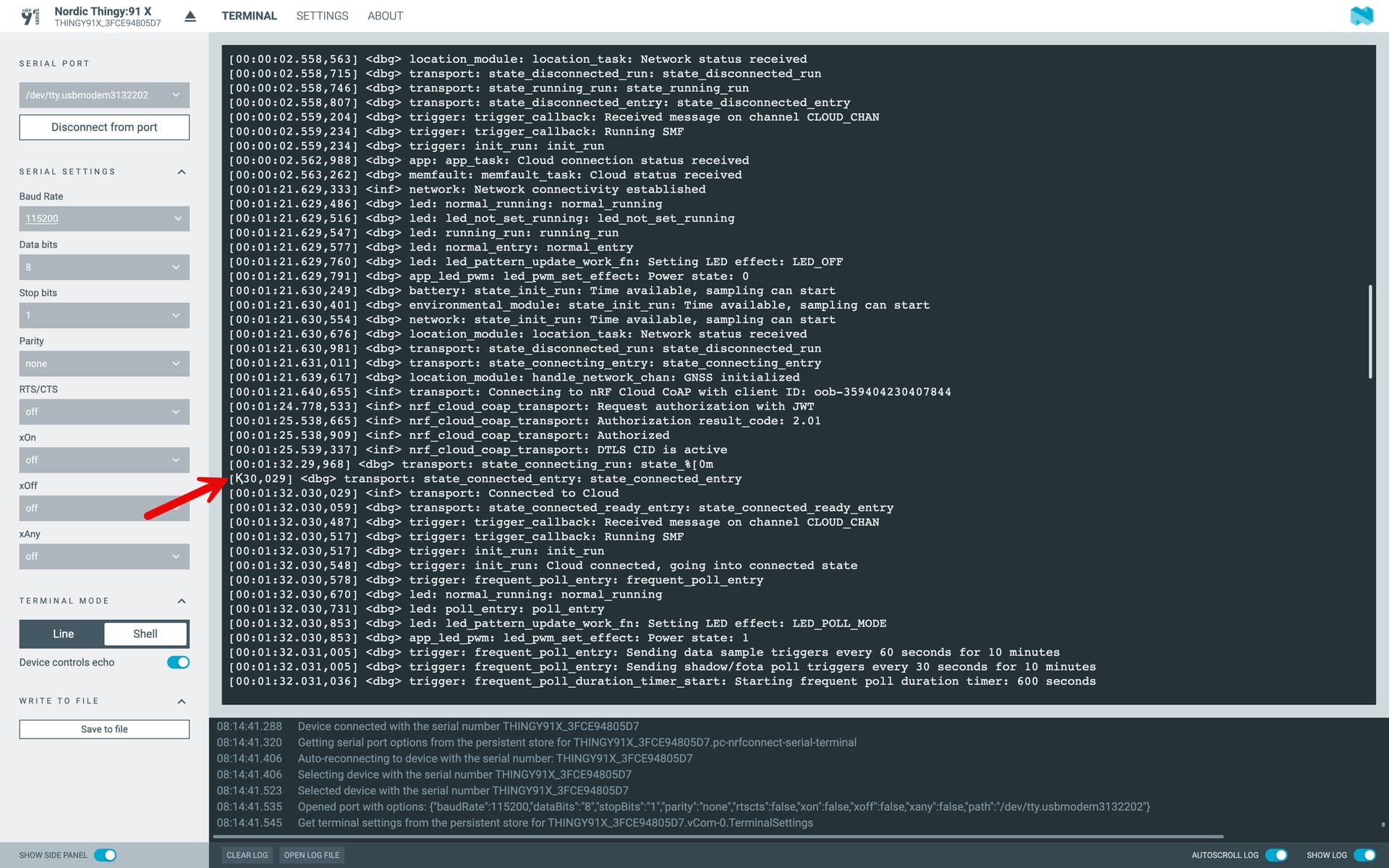
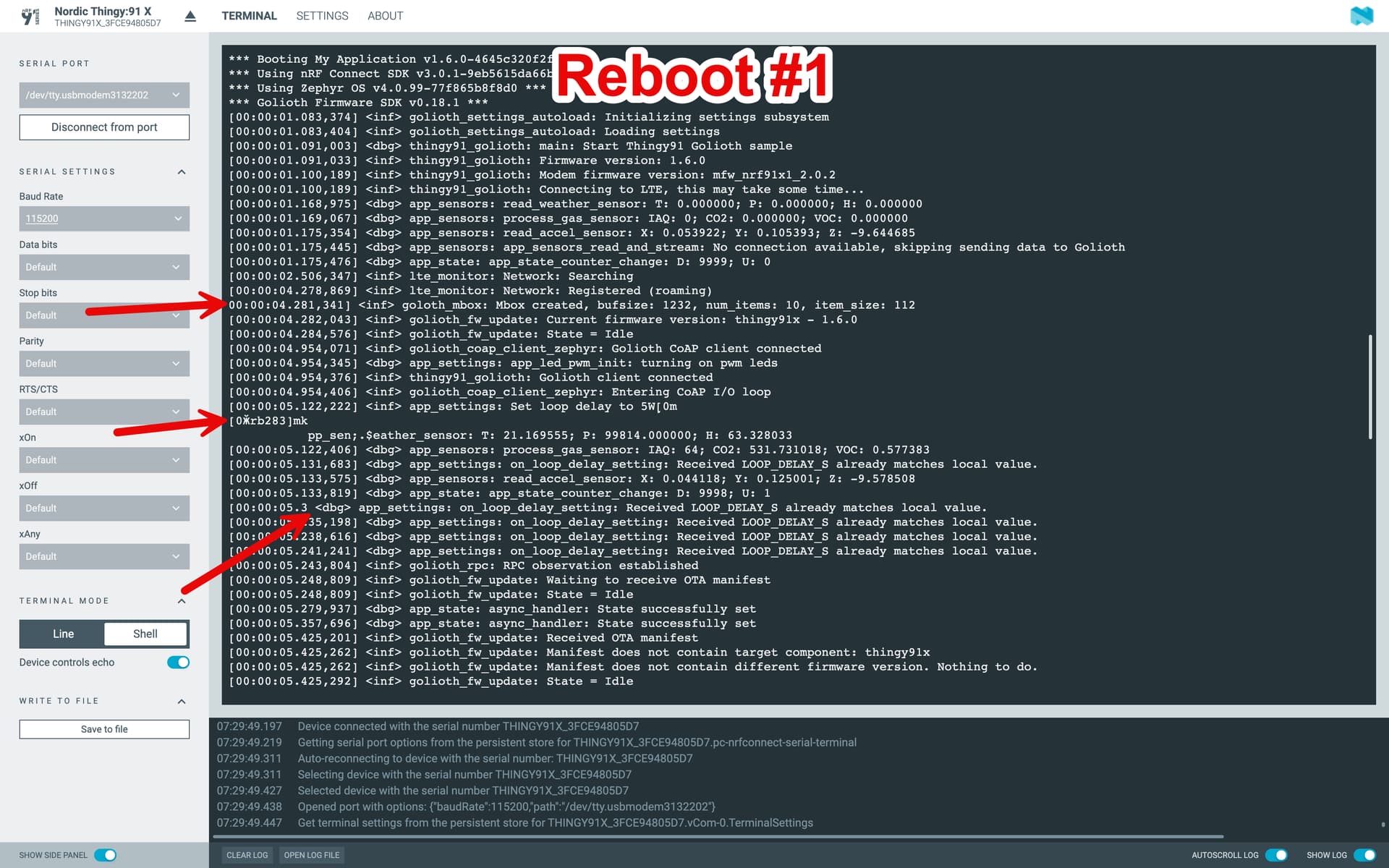
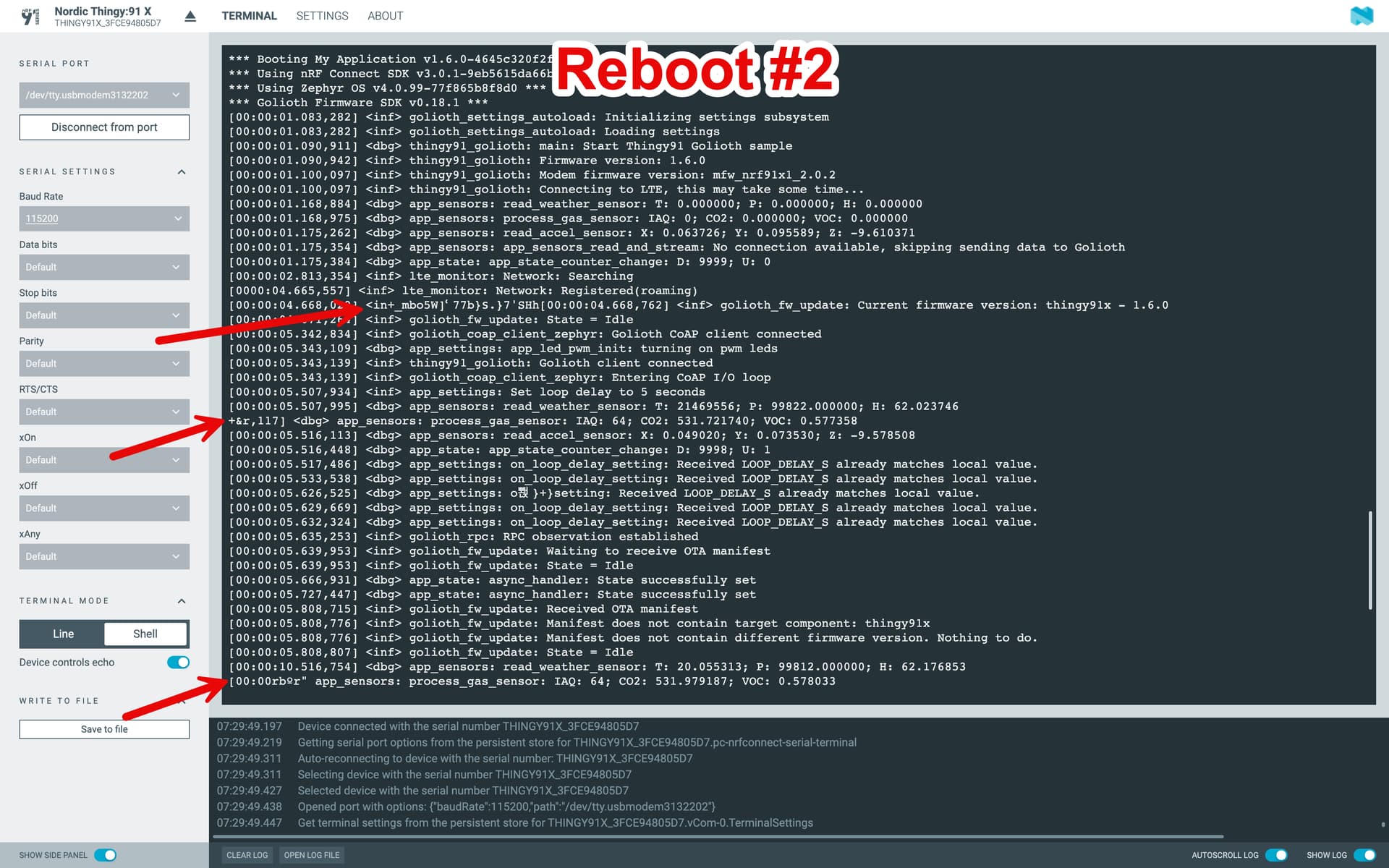
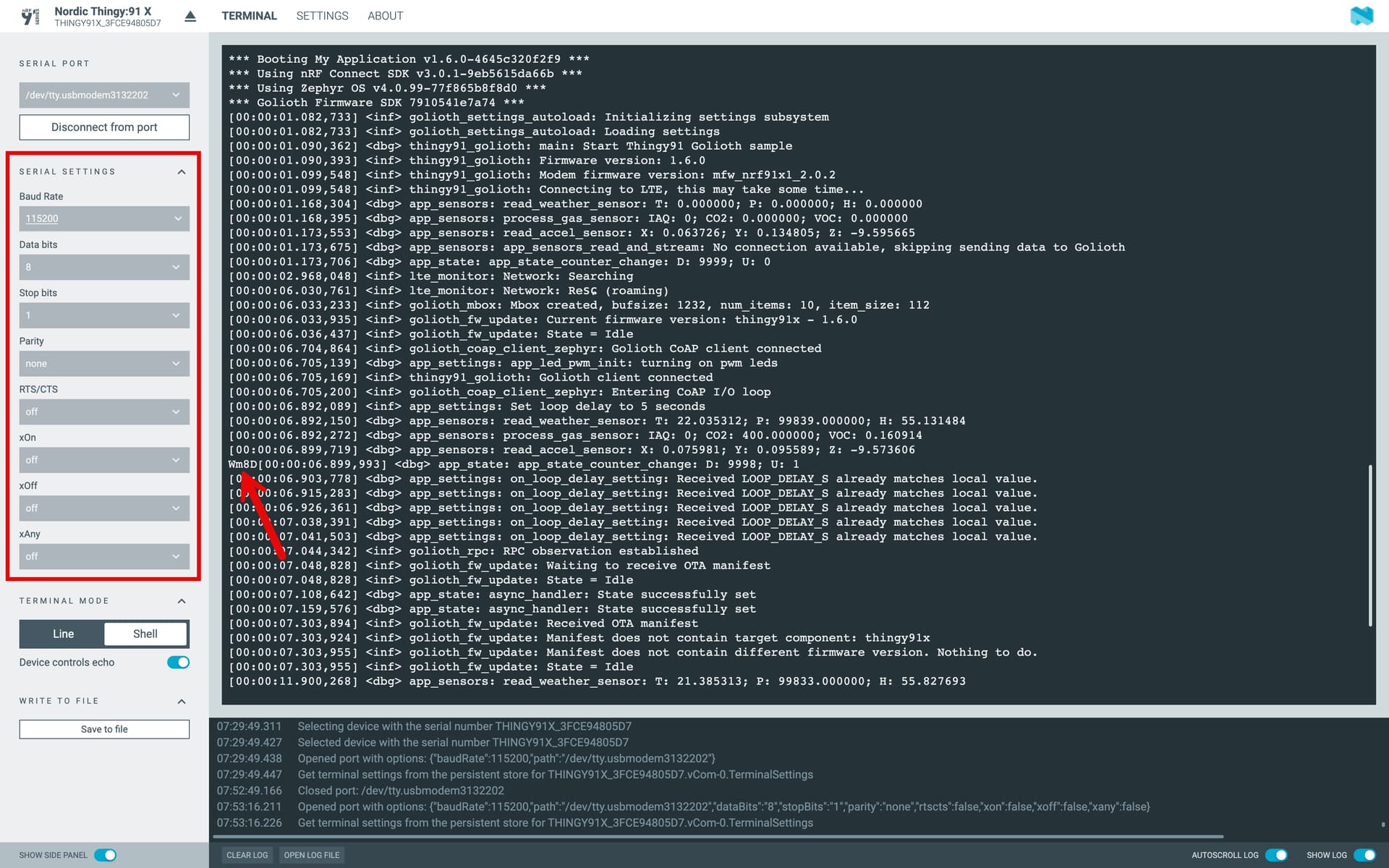
I’m seeing this on both the Thingy:91 X devices I have, and I’ve tried updating the Connectivity Bridge firmware which hasn’t fixed the issue. I also tried using a couple different serial terminal apps and I’m seeing the same thing on all of them.
Just wanted to post here to see if anybody else has run into this issue with the Thingy:91 X or knows how to fix it.
This kind of garbled output is usually caused by a UART baud rate mismatch between the application firmware and the terminal. When the terminal decodes at the wrong speed, it can lead to misaligned characters, often at the start of a line where timestamps or log levels appear. That said, I usually see full lines corrupted in those cases, not just a few characters.
Tested it just now with both Minicom and the nRF Terminal, and I wasn’t able to reproduce the issue. Can you check if the malformed characters always show up in the same position? Also, can you confirm that the UART baud rate set in the application matches the one configured in the terminal?
This morning I tried installing the pre-built thingy91x_hello.nrfcloud.com_v2.0.2.hex binary from Nordic and I’m seeing the same malformed characters using that app as well, so I don’t think this is specific to apps built with Golioth. I’ll make a ticket on the Nordic dev zone to see what they say. This may just be something weird with my setup, although I tested it on both a Mac and Windows machine and I’m seeing the same thing.
What was the LOOP_DELAY_S you used? Can you try setting it to something low like 1-5 seconds and see if you notice any malformed characters? I’m still seeing the issue with the default delay of 60s, but I see it more frequently when the delay is low (like 5s).
They don’t show up in exactly the same position each time…it seems a bit random. Here’s a couple screenshots right after a kernel reboot cold on the same device.
In that first image, you have what looks like a shell output prompt (uart:~)
Have you tried turning off the shell to the UART and see if that still happens? Might be some kind of interaction/overwrite that’s happening? Any chance a keypress is happening when the garbled output occurs.
I’m not aware, that the solution for this issue is ready.
In my case (I use an own-custom uart logging backend) I added some “delays” writing lines to the uart. That eliminating this “ghost chars” but causing also some more logging messages to be dropped ;-(.